![smartbarrel-logo-1.png]](https://ask.smartbarrel.io/hs-fs/hubfs/smartbarrel-logo-1.png?height=39&name=smartbarrel-logo-1.png)
Sub-job Mapping
Foundation does not have a native sub-job concept. SmartBarrel introduces sub-jobs as a way to group multiple Foundation jobs under a single SmartBarrel project. This is useful when different Foundation jobs are being tracked under one site or project and you want all time and cost codes captured in one place.
Once a Foundation job is mapped as a sub-job, its cost codes become available during Cost Code Sync for the parent project. Field teams see a unified list of cost codes drawn from both the parent job and any sub-jobs — no changes are required in Foundation.
Important: Complete your Sub-job Mapping before running a Cost Code Sync. Cost codes are imported based on the sub-job structure at the time of sync.
Navigating to Sub-jobs
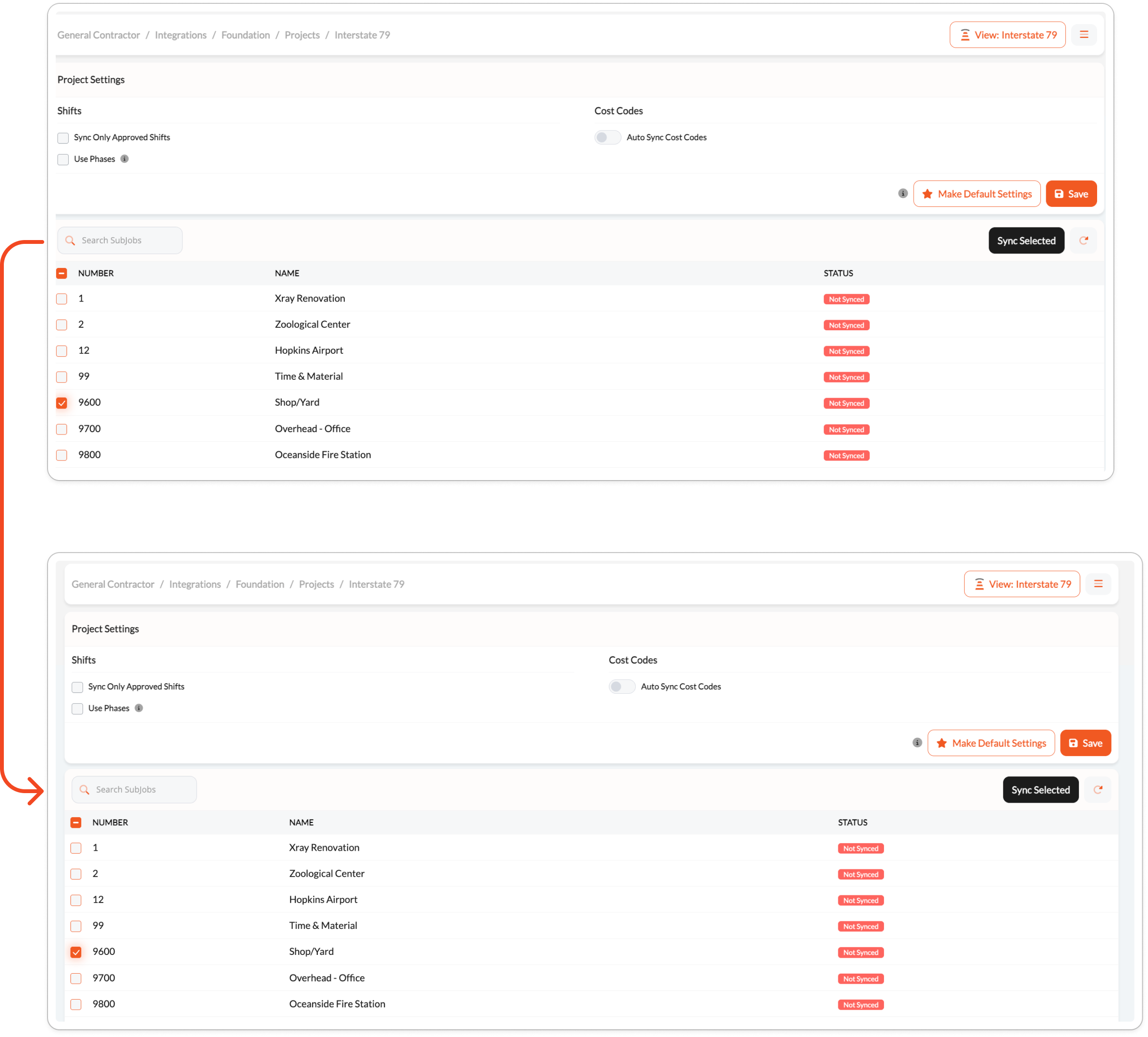
Navigate to Integrations > Foundation and click the menu icon (≡) in the upper right corner. Select Projects from the menu. Click into the project you want to configure. The Sub-jobs table lists all Foundation jobs available to be mapped as sub-jobs, along with their job number, name, and sync status.
Mapping a Sub-job
Select the Foundation job you want to add as a sub-job and click Add Sub-job. Once mapped, the sub-job status will update and its cost codes will be included in the next Cost Code Sync for that project.
Sub-job Status
Each sub-job displays one of the following status badges:
| Status | Meaning |
|---|---|
| Not Synced | The sub-job has been mapped but a Cost Code Sync has not yet been run. |
| Synced | The sub-job's cost codes have been successfully imported into SmartBarrel. |